
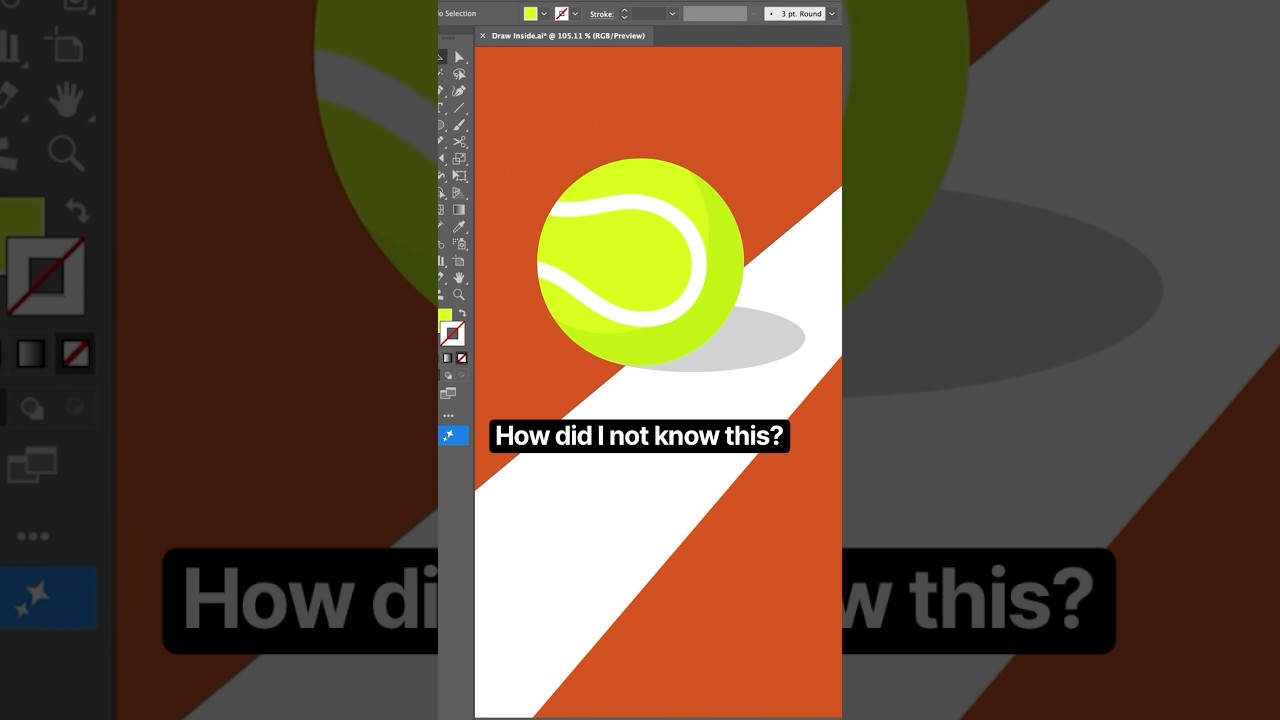

Did you recognize you can draw INSIDE things in Adobe Illustrator?
Select your object and afterwards find the little draw tools at the end of the device bar and press ‘Draw Inside’.
N.B. You can additionally push SHIFT+D to switch over between drawing modes.

As you attract, your things will certainly work as an automated clipping mask!
#graphicdesign #illustratortips