
Visit my STORE: https://bit.ly/mavi-design-store
Explore Mavi Design PREMIUM Assets: https://bit.ly/mavi-design-premium-assets
Download FIGMA for FREE: https://bit.ly/get-started-with-figma
Take FULL advantage of ALL FIGMA’s features: https://bit.ly/figma-professional-plan
Playlist: FREE Figma Web Design Course : https://youtube.com/playlist?list=PLCUPtxXqnWn0AMIjZmNdkrzWVjLHOW2NT
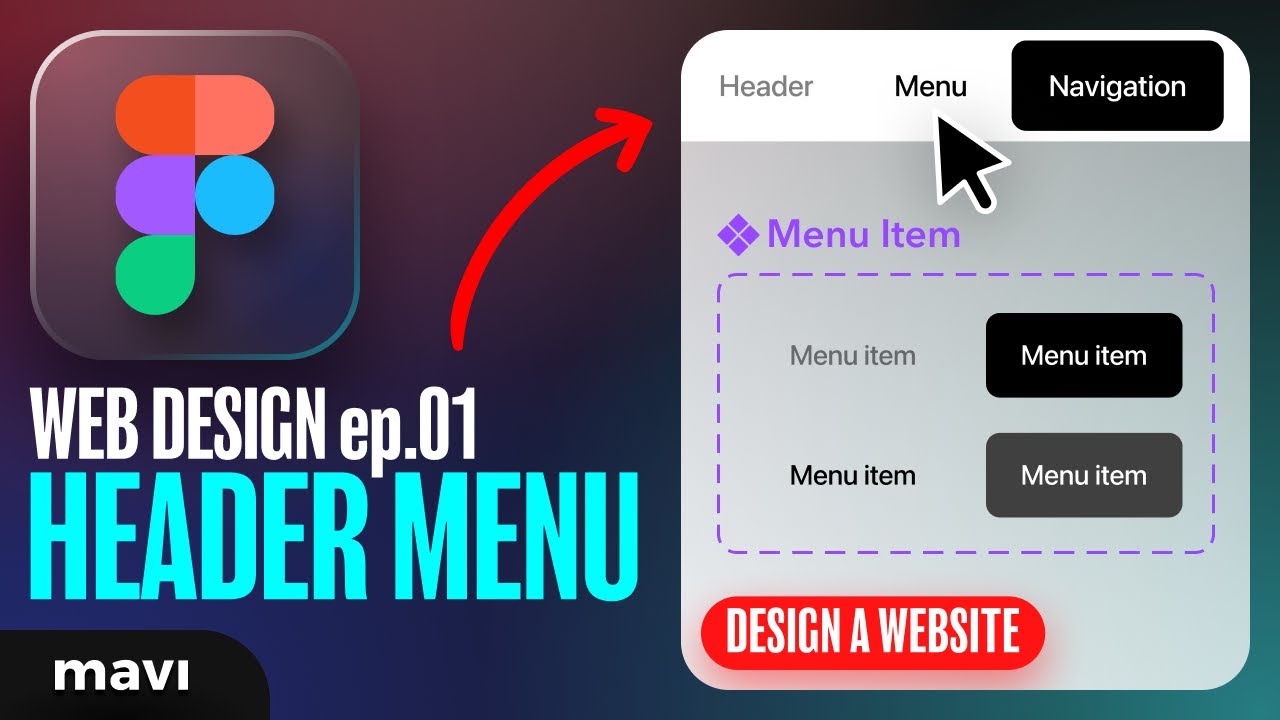
In this video we’re going to start a website design project in Figma. We will be creating a fixed website navigation bar with menu items / buttons that also have hover states. This will serve as a basis for future videos where we’ll expand on our design and turn this into a final, polished website design. Stay tuned for future videos as this is quite a big project to cover in just one single video – I think you’ll be able to learn more through a series. Let’s get into it!!!

How to design a website in figma – how to design a header menu navigation with hover states in figma (step-by-step tutorial with examples)
————————
© 2023 Mavi Design