

▎ LINKS & RESOURCES
Obtain the motivates and properties utilized in this video: https://go.temploton.com/claude-design-skill-1-assets
My best site for layout ideas: https://mobbin.com/?via=taeonlinehd
Start with Framer free of charge: https://framer.link/devantaebison
Using a few of the web links above, I might obtain a tiny payment at no added cost to you. This is the simplest way to support me and helps me proceed making content such as this for you. Appreciate you!
▎ VIDEO OVERVIEW
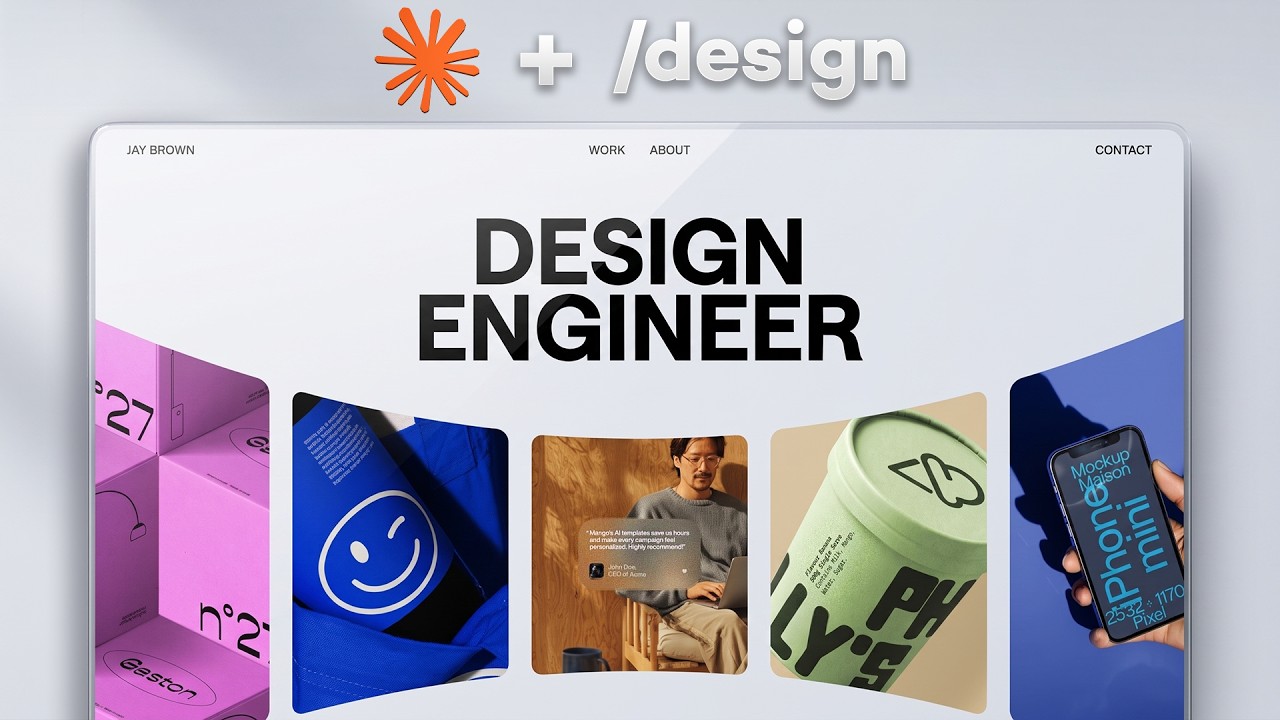
Your Claude Design sites look common because you’re letting an AI hunch what excellent appear like. Below’s the precise three-step process I utilize each time to get Claude Design to produce a hero section that looks art guided instead of templated, in a few extra mins per website.

In this video clip I reveal the specific procedure I utilize every time to fix that: I grab references from Mobbin, placed them on a Figma board with notes on what to take and what to miss, after that prompt Claude one section at once. From there I refine the style right on the canvas, add real images and movement, and only after that transform it right into a real website. It takes a few added mins per site and the outcomes look way better.
Whether you’re a product developer, UX developer, UI developer, freelancer, or a programmer that wants much better AI-generated web sites and profile websites, this Claude Design tutorial will certainly assist you stop shipping generic results and start building sites that in fact look great.
▎ CHAPTERS.
0:00 Intro.
0:21 Why your websites look common.
0:39 References.
1:25 Moodboard.
2:04 Prompting.
2:55 Updated style.
3:56 Refining the style.
5:40 Final style.
5:55 Exporting the website.
6:22 Outro.